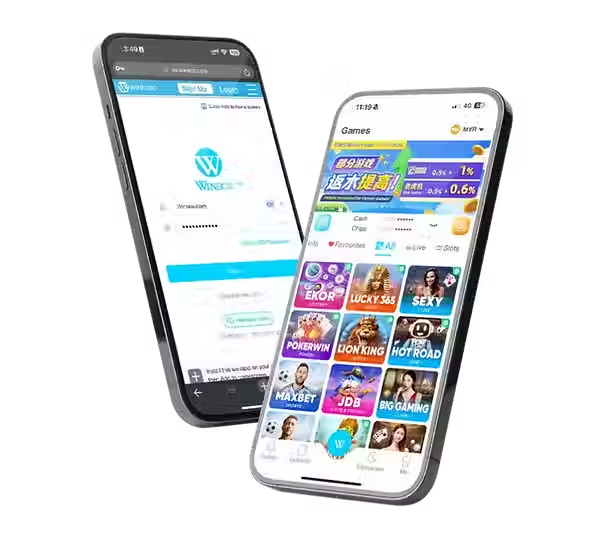




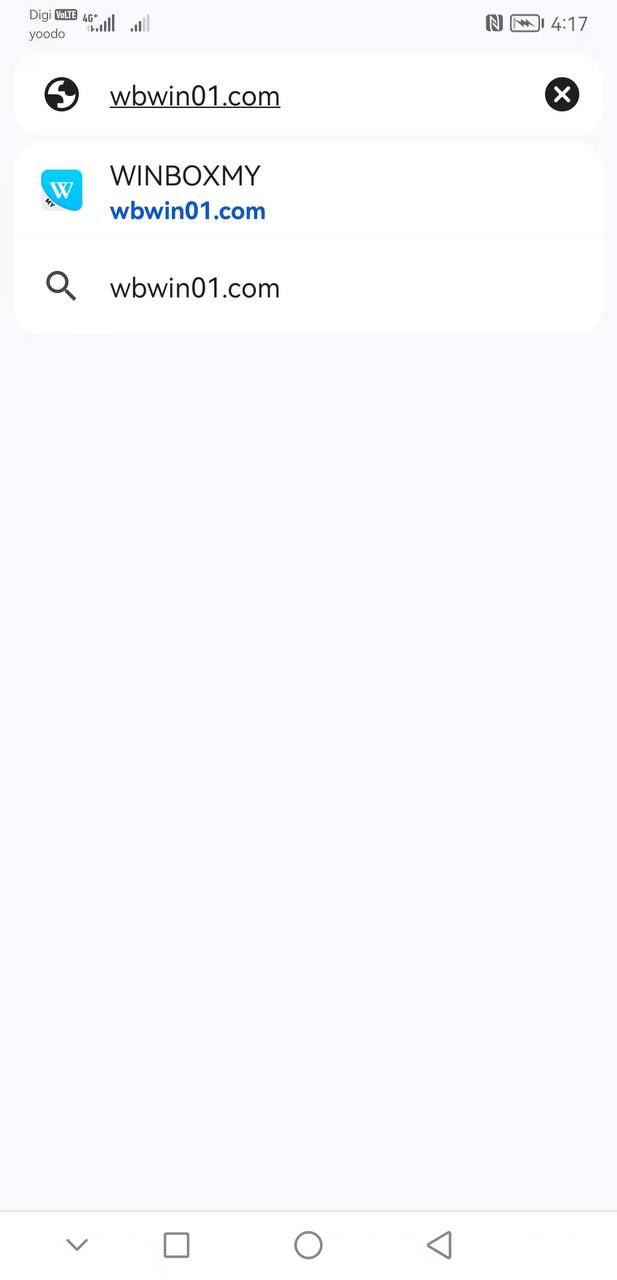

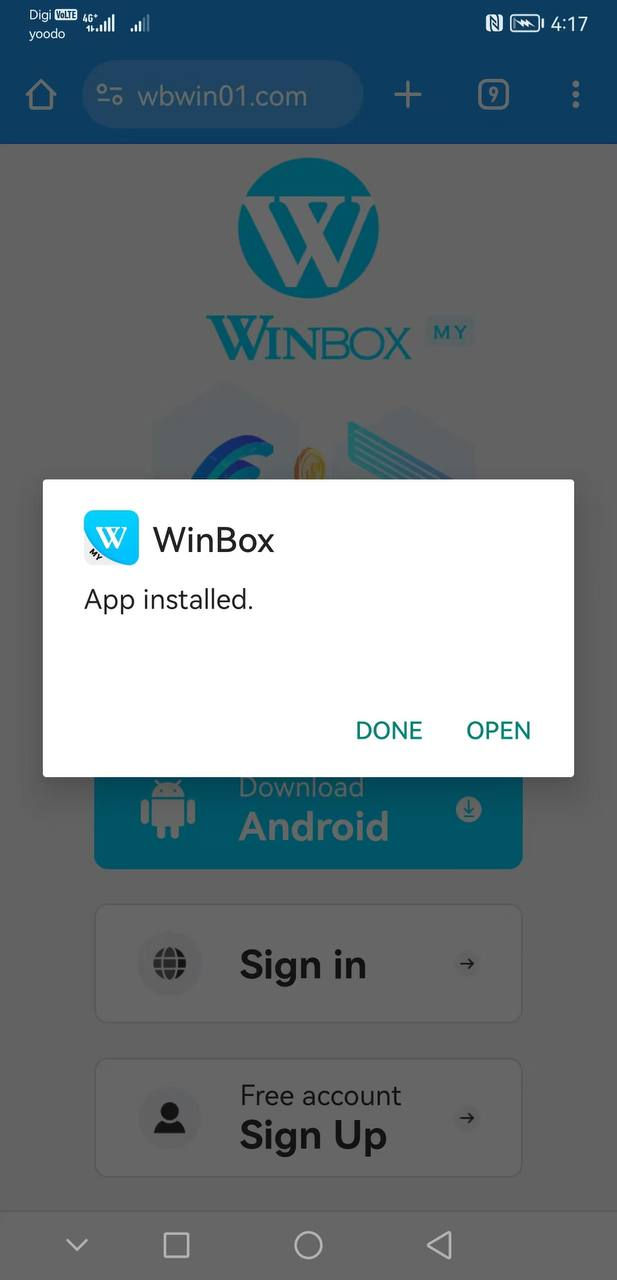
STEP 1:
Click on the Android download above, or go to https://www.winbox88rm.com/download to download
STEP 2:
Select “Download Android” >> click “OK”>> downloaded and select “Open”
STEP 3:
Click “Install” app >> You can log in to the APP
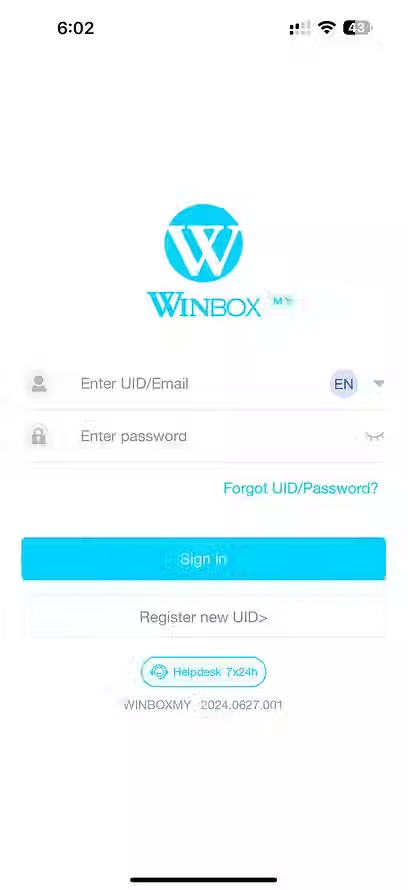
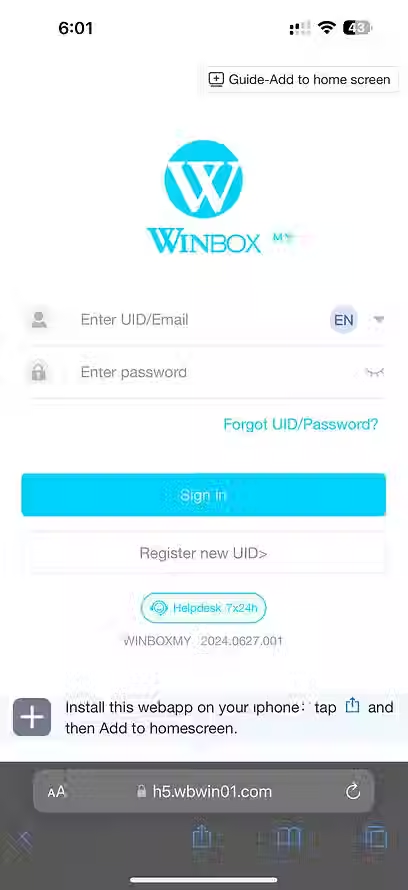
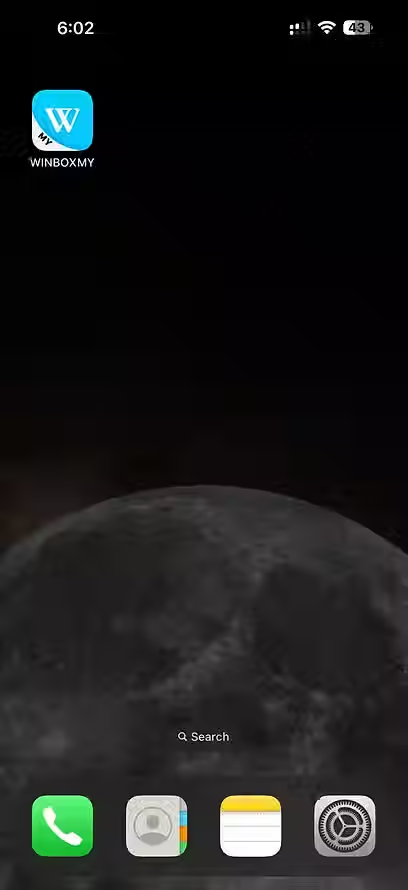
STEP 1:
Click

STEP 2:
Click "Add to Home Screen".
STEP 3:
Click "Add"
STEP 4:
Added Successfully. > Enter App,
Log in to your account
Get the Winbox app for Android and explore browser-based access for iPhone users. Download the Winbox APK to access your account directly from your mobile device. Enjoy a lightweight app experience, quick installation, convenient login, and easy access without repeated browser redirects.
Primary Button: Download Winbox APK (Android)
Secondary Button: Winbox App for iOS (Safari Web)
Android APK | Mobile-Friendly Access
✓ Quick Installation & Easy Setup
✓ Direct Winbox Account Access
✓ Android APK & iOS Web Options
Follow these simple steps to download the Winbox APK and set up the application on your Android device.
Tap the official Winbox APK download button above to start downloading the Android installation file. Wait until the download is complete before opening the file.
Tip: Verify the download source before installing any APK.
Open the downloaded Winbox APK file. If Android requests installation permission, review the prompt and enable permission for your trusted download source only.
Tap Settings
Open your Android settings when prompted and review the installation permissions for the browser or file manager.
Allow This Source
If you trust the verified APK source, allow installation and return to the downloaded file to continue.
Once installation is complete, launch the Winbox app from your home screen. Enter your registered account credentials to sign in and explore the available platform features.
Tip: Keep your application updated using a verified source.
Access Winbox H5 Web Without an APK
Using an iPhone? Android APK files cannot be installed on iOS devices. Instead, access the Winbox H5 web version through Safari on your iPhone.
Open the website in Safari and select Add to Home Screen from the sharing options to create a convenient shortcut for future access.
Install the Winbox Login APK to access your account from your Android home screen. The mobile application offers convenient sign-in and easy navigation without repeatedly opening a browser.
Prefer not to install an APK? Use the Winbox H5 web version through a compatible mobile browser.